Article
Event Lead Capture for Exhibitors: Methods & Best Practices
Learn how to capture, qualify and manage exhibition leads using business card scanners, QR codes and a practical post-event follow-up process.
Read more→6 min read
Create a digital business card, scan contacts in seconds, and let AI keep every connection organized for you.



Point your camera at any paper card or badge and Allbuddy extracts the details automatically.

Record a quick voice memo right after meeting someone, and it's transcribes it to their profile.

Keep the conversation going with messages or reminders.

Sync contacts to your CRM, calendar, or address book the moment they're captured

You control what's shared and with whom. Your information stays private until you approve

Find anyone by name, company, or even what you talked about, across all your contacts.

Create your digital card once, and keep everything you want to share in one place.

Share instantly through a QR code or link. No app needed on their side.

Snap a selfie to remember the moment and save the context of where and when you met.

Record a quick voice note with your meeting summary, so the important details never get lost.

Add and plan follow-ups that turn meetings into relationships

Save their details to your phone and keep the connection moving beyond the first meeting.


Capture every lead the moment you meet them. Keep your entire team's contacts in one shared Space, add context with voice notes, and export qualified leads into your CRM without manual entry.


Instantly turn scanned business cards and event connections into HubSpot contacts.
Automatically matches existing contacts across primary/secondary emails and phones.
Preserves the event name, space, and meeting notes in your CRM.
In the AllBuddy app, go to Profile ➔ Settings ➔ CRM Integrations.
Tap Connect HubSpot and authorize your account.
Open any contact card and tap Sync to HubSpot.
Learn how to capture, qualify and manage exhibition leads using business card scanners, QR codes and a practical post-event follow-up process.
Learn how to organize business contacts, save conversation details, manage important relationships and choose the right contact management tools.
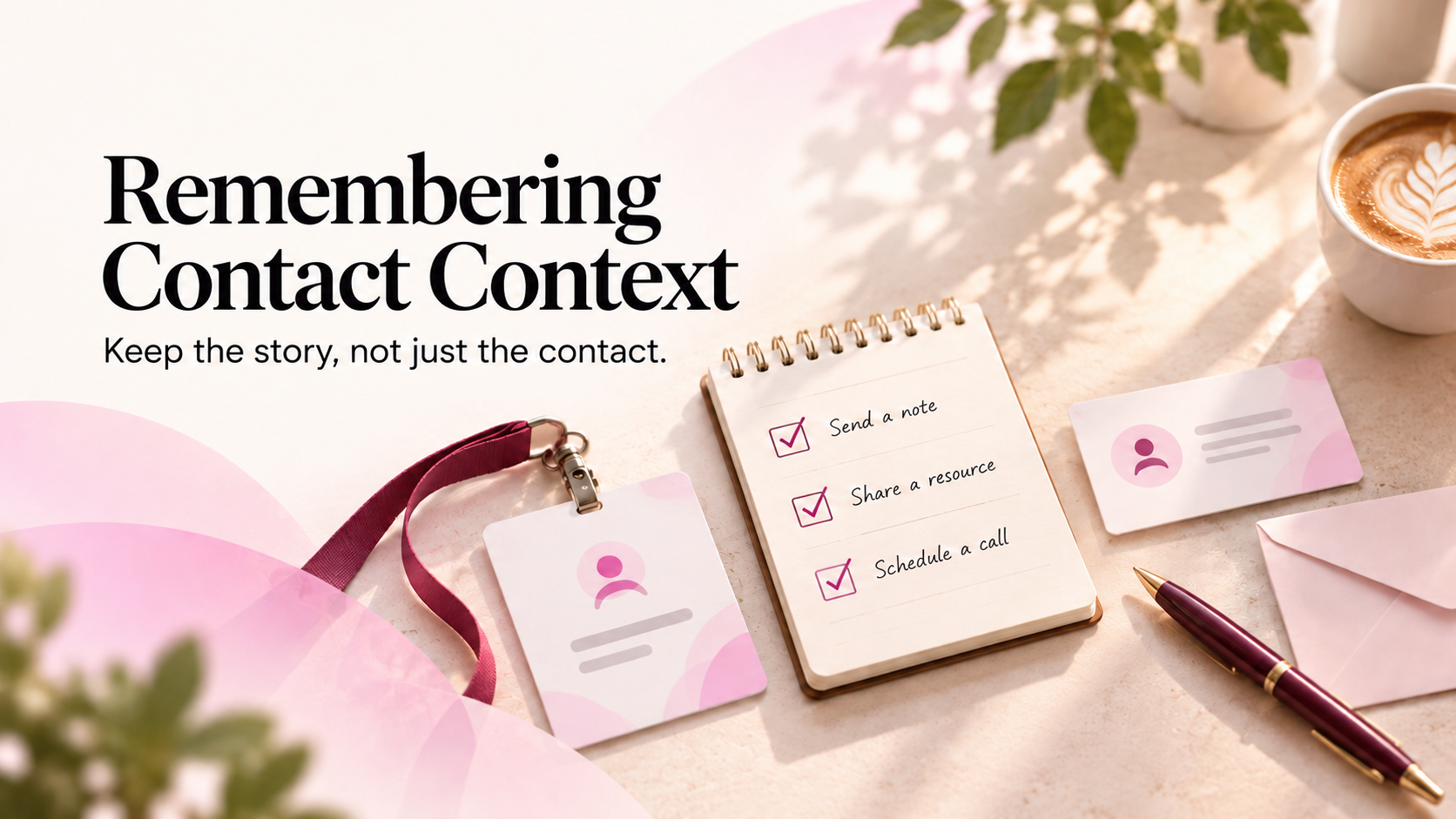
A contact can tell you who someone is without preserving why they matter. Learn how relationship context helps professional connections stay useful over time.
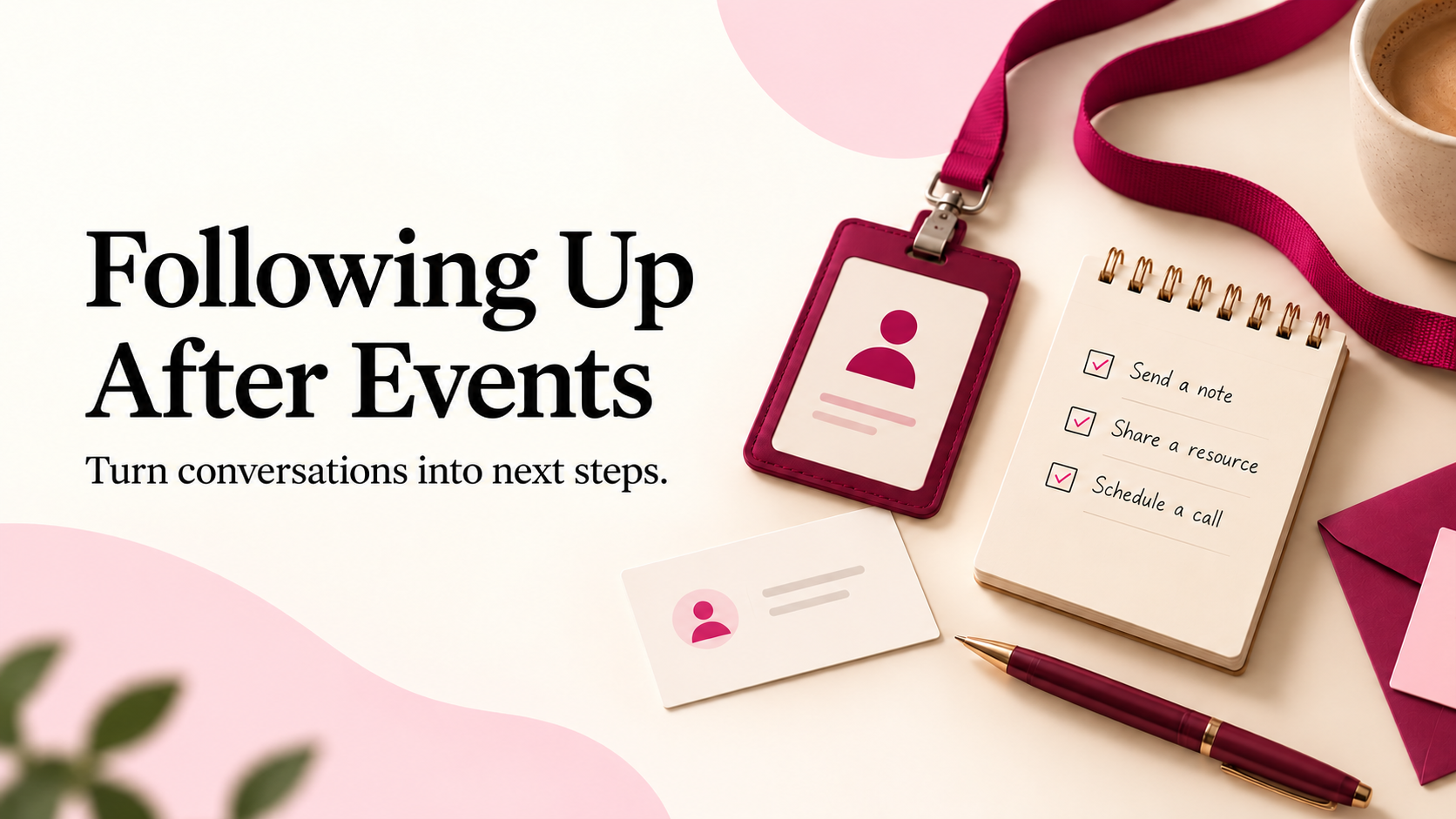
Use a simple Who + Why + Next note after valuable conversations to preserve professional relationship context without writing full meeting notes.
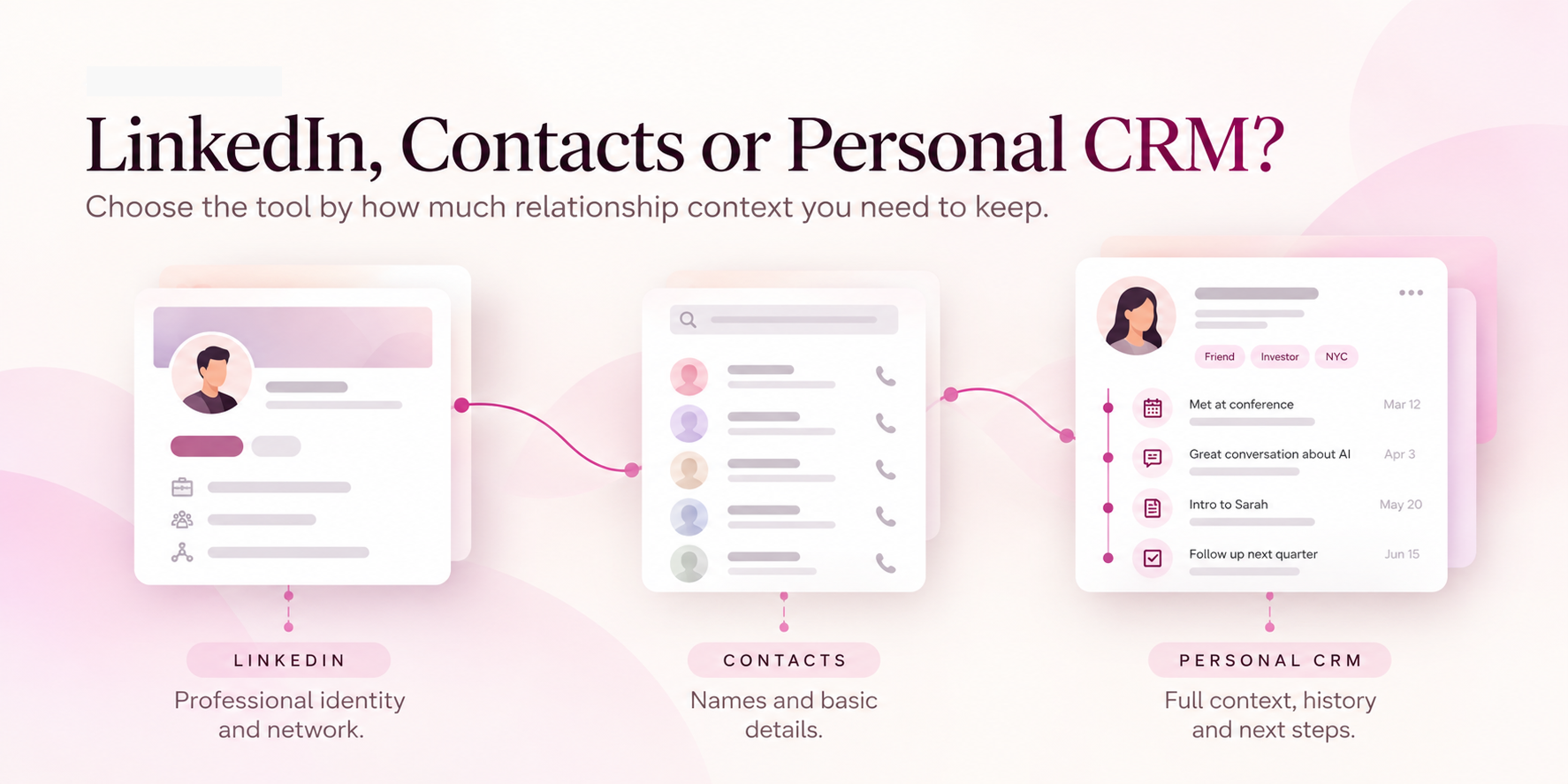
Choose the tool by the job you need it to do, not by the category label.
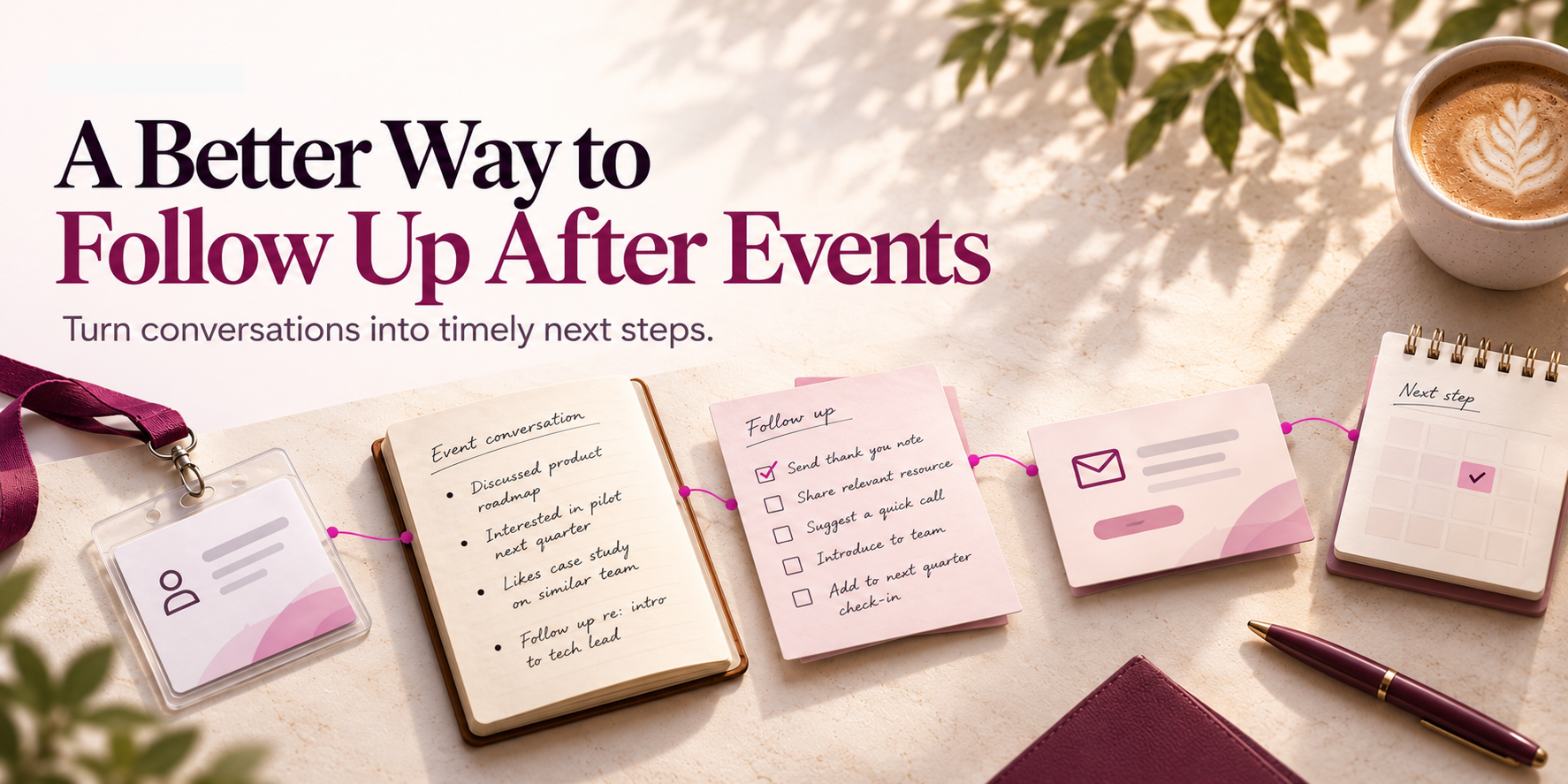
Sort the conversations first. Then decide what actually deserves a message, a next step or simply a memory.
All Buddy is a networking app that helps you save contacts, remember what you talked about, get reminded to follow up, and keep a whole team's event contacts in one shared place.
Yes. The free plan includes unlimited event hosting and attendance, up to 100 contacts with full context, business card scanning, and a digital card with Spaces — no credit card required.
A Space is a shared folder for one event, meeting, or project. Invite the team, and everyone's scanned contacts land in the same searchable place, instead of staying trapped in individual phones.
Direct CRM sync with tools like HubSpot and Salesforce is rolling out now. In the meantime, every contact can be exported to a clean CSV or Excel file whenever the team is ready to import them.
Add a follow-up task to any contact and All Buddy sends a reminder before it slips. Reach out using message templates over WhatsApp or email, right from the app.
Nothing. Contacts captured inside a Space belong to the Space, not to any one person, so the team's network stays intact even if a teammate moves on.
Yes. All Buddy works just as well for individual networking as it does for teams — Spaces are there whenever collaboration makes sense.